
Search Grays Harbor County Traffic Ticket Records
Grays Harbor County Traffic Ticket Records are split between two district court locations, the county clerk, and the records request system that the county uses for case files and court documents. That means the right first step is not a generic web search. It is finding out whether the ticket belongs in Montesano, Aberdeen, or a broader county record file. If you need to search a citation, check a deadline, ask for copies, or confirm where a hearing belongs, the county court pages give you a direct path. That is especially important in a county where district court handles both traffic and other limited-jurisdiction matters.
Grays Harbor County Traffic Ticket Records Overview
Grays Harbor County Traffic Ticket Records Search Tools
Grays Harbor County Traffic Ticket Records usually begin in district court. The county's district court page says District Court #1 in Montesano handles criminal and City of McCleary cases, while District Court #2 in Aberdeen handles all other cases. That split is the county's most important traffic detail, because it tells you where to look before you call or file anything. If the ticket was issued in a city with a district court tie, the city may still point back to one of those two county locations.
The county infractions page is the next step when the file is active. It says you must respond within 30 days of the issue date, or 33 days if the ticket came by mail. It also explains that the ticket number is printed in the upper right corner and can be searched through the court's online system if you do not have the paper in front of you. That is practical when a notice is lost, faded, or separated from the envelope it came in. The page also gives the payment path through nCourt and allows hearing requests in person, virtually, by mail, or by email.
For statewide confirmation, the Washington Courts case search is the best place to cross-check a case number, party name, or court location. It does not replace the county file, but it can help you confirm whether the citation already entered the court system. For superior court records, the county points users to the Odyssey Portal. For district court records, the county and state pages together create the broader search picture that makes a ticket easier to place.
Grays Harbor County Traffic Ticket Records Offices
Grays Harbor County Traffic Ticket Records are handled through a small set of county offices that each do a different job. District Court #1 in Montesano manages criminal and City of McCleary cases, while District Court #2 in Aberdeen handles the rest of the county's limited-jurisdiction case load. The county clerk's office in Montesano keeps the superior court records and maintains files from 1860 to the present. That gives the county a long record history and a clear division between active traffic dockets and permanent court records.
| District Court #1 | 102 W Broadway Ave, Room 202 Montesano, WA 98563 360-249-3441 |
|---|---|
| District Court #2 | 2109 Sumner Ave, Room 201 Aberdeen, WA 98520 360-532-7061 |
| County Clerk | 102 W Broadway Ave, Suite 203 Montesano, WA 98563 360-249-3842 |
| Records Request Email | dcrecords@graysharbor.us |
The district court infractions page is especially useful because it lays out the response choices in plain language. You can pay the infraction, ask for mitigation, or contest it. The court also says a deferred finding may be available if you meet the county's criteria. That can keep a qualified infraction off the driving record if the case stays clean through the deferral period. The details matter because Grays Harbor County Traffic Ticket Records are tied to both the court outcome and the driver's record effect.
The county records request page is the right place when you need case files, dockets, calendars, or orders. It uses a form and an email route, and it separates court records from administrative records. That distinction matters. A case file is not the same as a management record, and the county treats those requests differently. If your search has moved beyond a live ticket and into document retrieval, the records request page is the office that should be used first.
Aberdeen and Hoquiam municipal courts can still matter as local context, especially for city-issued citations, but the county district court system is the cleanest place to start once the file is in Grays Harbor County. That keeps the search focused on the official record holder instead of a city page that may only explain part of the process.
Grays Harbor County Traffic Ticket Records and Response Rules
The infraction rules are the most time-sensitive part of the county process. Grays Harbor County says a response must be filed within 30 days of receiving the ticket, or 33 days if it came by mail. That deadline controls whether you can pay, request mitigation, or contest the ticket before the court moves forward. The page also says to copy or photograph the ticket before returning it, which is a small step that can save time if the citation number is needed later.
Payment and hearing choices are direct. The county lets people pay in full, mail payment to the correct district court, or use nCourt online or by phone. For hearings, the page allows in-person, virtual, mail, and email options. That flexibility helps in a county with two district court locations, because the right filing method can be just as important as the right court location. If the notice is handled correctly, the record stays easier to manage and the hearing options stay open.
The deferred finding option also makes this county page distinctive. If eligible, a person can ask the court to continue the case under conditions that can keep the infraction off the driving record. The page is clear that this is not automatic, and it also warns that commercial driving endorsement holders are not eligible. That kind of detail is why Grays Harbor County Traffic Ticket Records should be read through the county page rather than through a generic statewide summary.
Grays Harbor County Traffic Ticket Records Images
A screenshot from the official Grays Harbor County Clerk page shows the Montesano office that keeps superior court records from 1860 to the present.
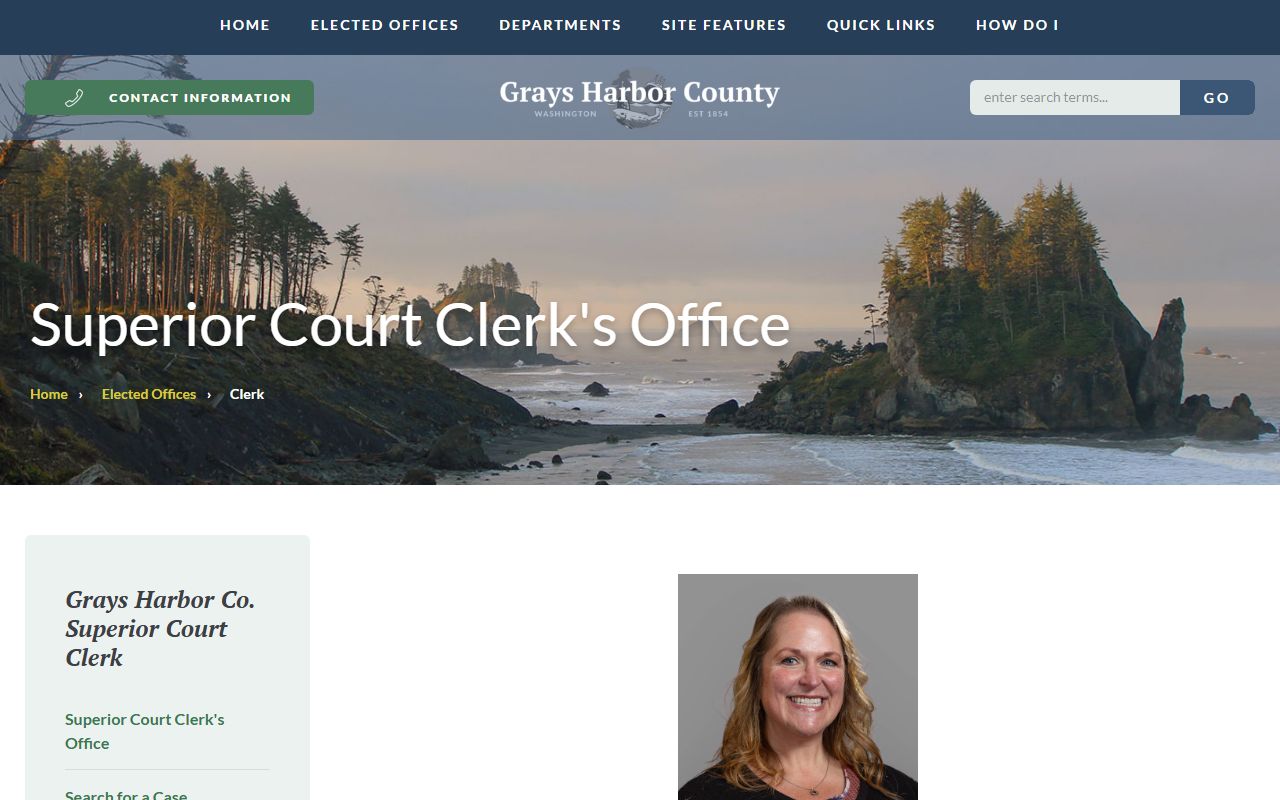
That page matters because the clerk is the office that preserves permanent county court records.
A screenshot from the official Grays Harbor County District Court page shows the two court locations that split the county's active case work.
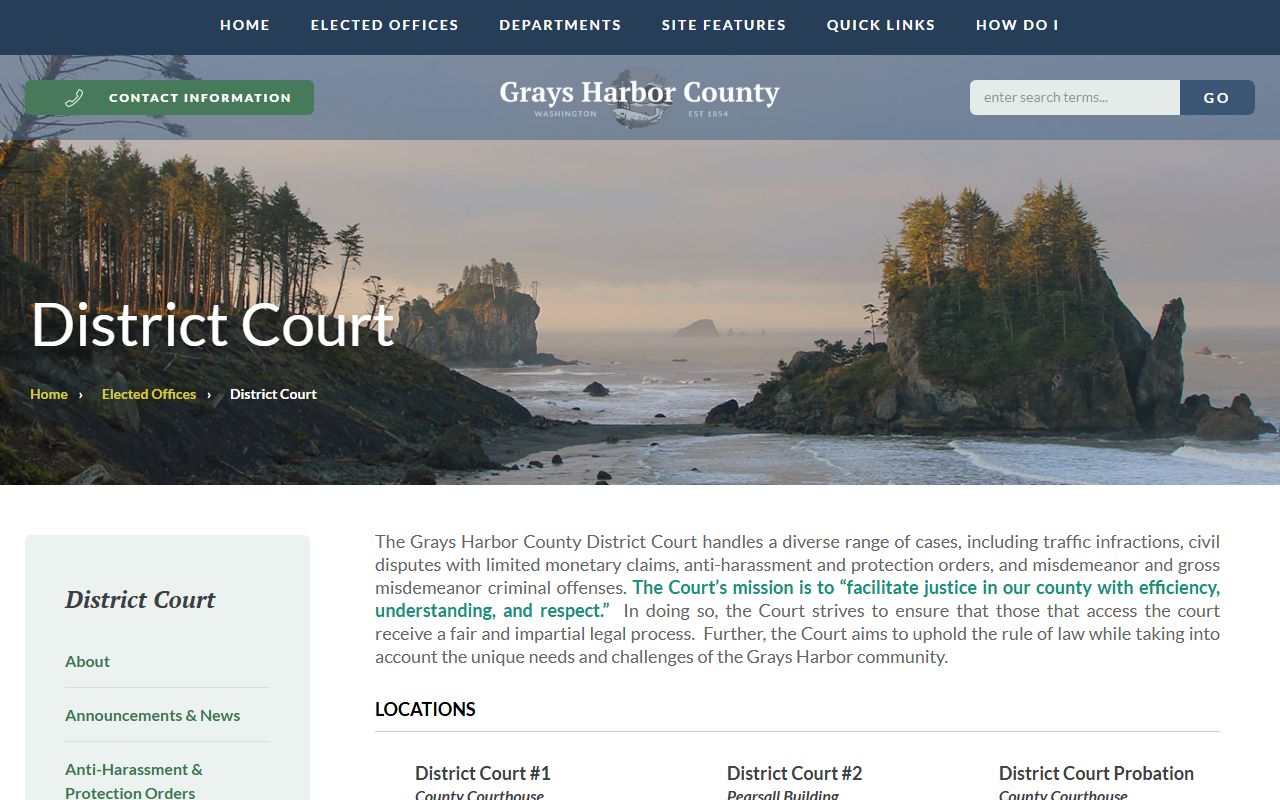
That image helps separate the Montesano and Aberdeen case paths before you file or pay.
A screenshot from the official Grays Harbor County infraction procedures page shows the deadline and hearing options for traffic citations.
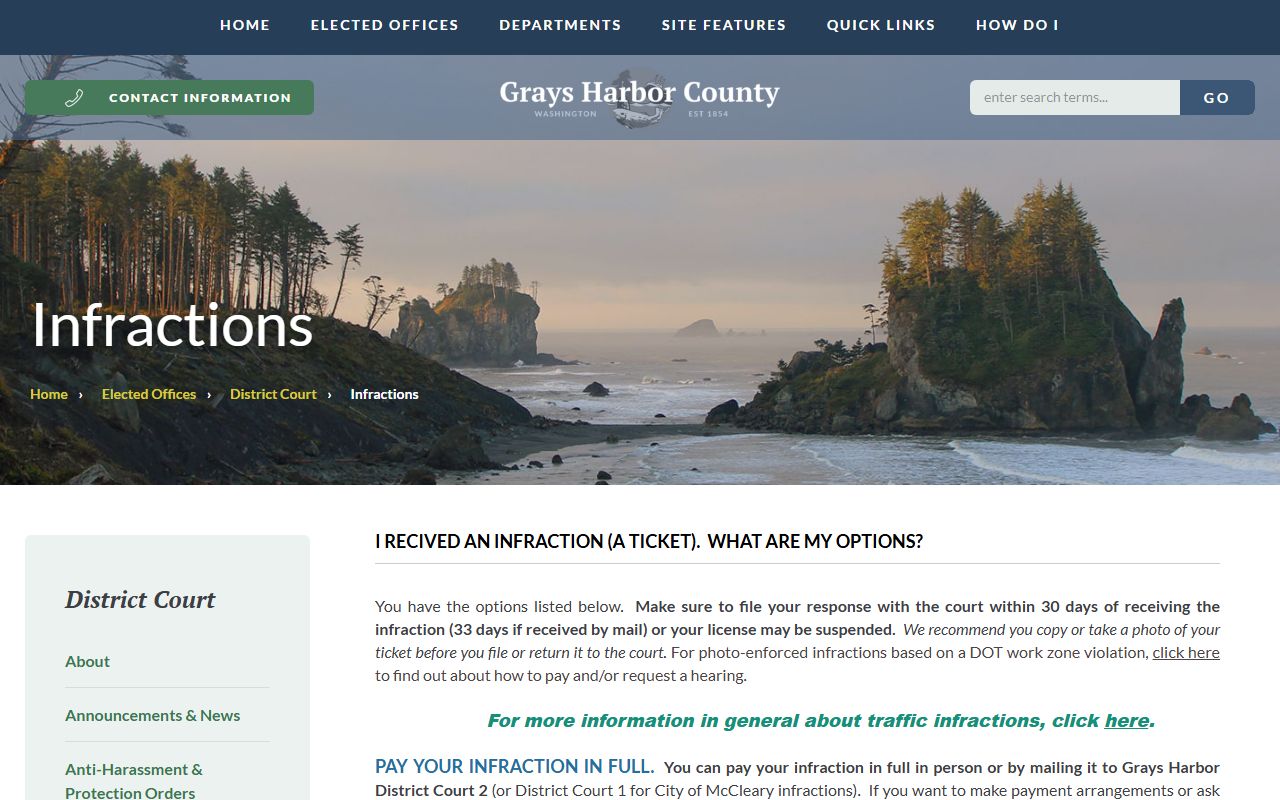
That page is the best reminder that response timing drives the rest of the record process.
A screenshot from the official Hoquiam Municipal Court page shows one of the local city court paths that can appear in a Grays Harbor search when the citation starts inside Hoquiam city limits.
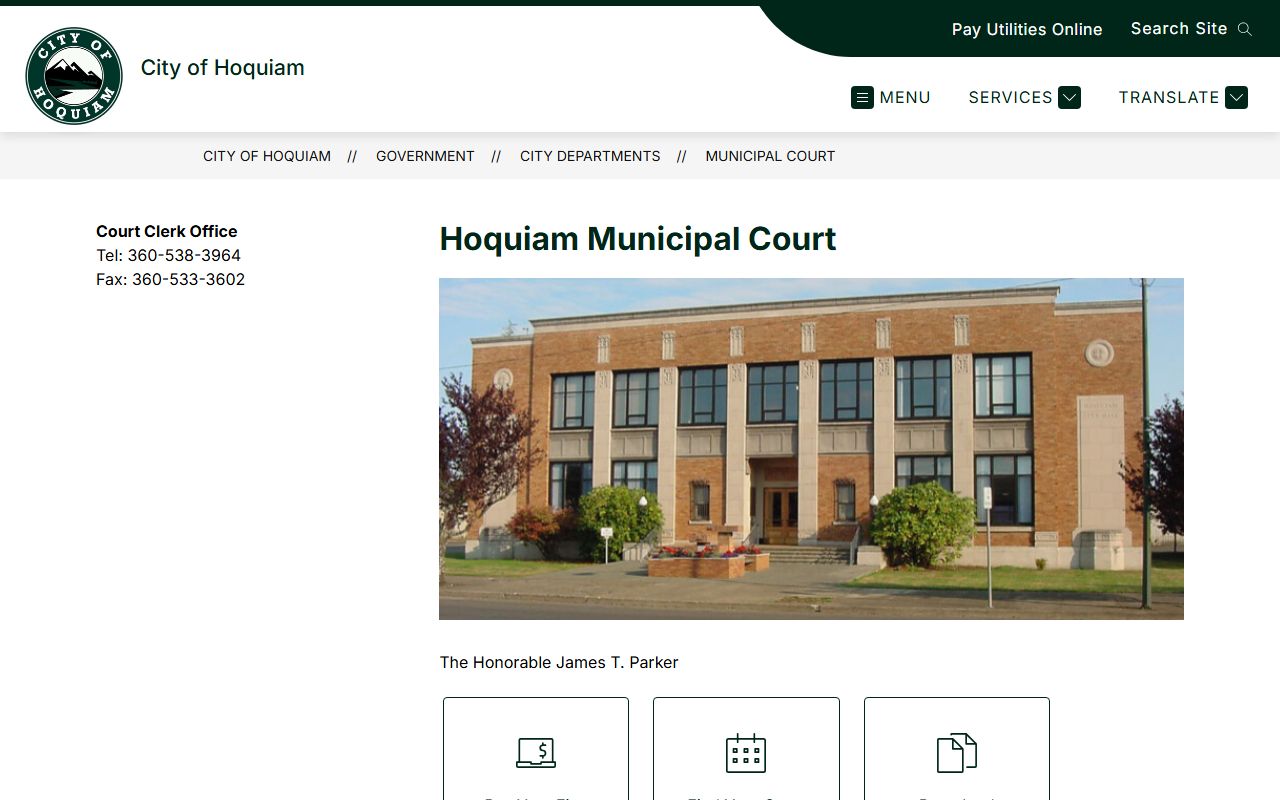
That image is useful as local context because some Grays Harbor County Traffic Ticket Records searches begin with a city name before the user knows whether the file is municipal or county-based.
How Grays Harbor County Traffic Ticket Records Move
Grays Harbor County Traffic Ticket Records move from the issuing agency to the correct district court division, then to the clerk or superior court if the matter needs deeper record access. That sounds simple, but it matters because District Court #1 and #2 do not handle the same categories. If a McCleary case belongs in Montesano, the wrong office can slow down the response. If the case belongs elsewhere in the county, Aberdeen is usually the right district court branch.
The court records request page is the cleanest route when you need files, dockets, calendars, or orders. It also reminds users that court records and administrative records are different. That distinction helps when a ticket turns into a hearing file and then into a copy request. A docket entry may be enough for one question, but a record copy may be needed for another. Grays Harbor County gives you both paths if you know which one to use.
The county's municipal courts can appear in a search, but they do not replace the district court and clerk records that own the county file. That is why the county pages should stay centered on the district court split, the records request process, and the clerk office. Once those three pieces are clear, Grays Harbor County Traffic Ticket Records are much easier to follow.
Getting Grays Harbor County Traffic Ticket Records Copies
Copy requests should go to the office that actually holds the file. If you need case files, calendars, or orders, the district court records request form and the dcrecords@graysharbor.us mailbox are the county's official paths. If you need permanent superior court records or older files, the clerk's office in Montesano is the office to contact. The clerk maintains records from 1860 to the present, which makes it the better fit for older research than a general search engine.
For driving impact questions, the Department of Licensing and Washington State Patrol remain the state-level sources. The court file may show the hearing and disposition, while the DOL record can show the long-term license effect. If the matter began with a crash, the WSP collision records page is the right place for the report itself. Grays Harbor County Traffic Ticket Records are easiest to manage when the court file, the records request, and the state record are kept separate from the start.
The cleanest next step is to identify the correct district court branch, use the infraction page if the ticket is still open, and send a records request only when you need a document copy or a docket. That keeps the search official and keeps the record trail inside the county system that actually owns the case.