
SeaTac Traffic Ticket Records Guide
SeaTac Traffic Ticket Records are usually handled through SeaTac Municipal Court, which is the city court that receives many local infractions and misdemeanor matters. If you are trying to find a citation, confirm a court date, request a copy, or check how a ticket was entered, the official city pages give you the cleanest starting point. SeaTac also offers online lookup and written request paths, so you can move from the ticket to the record without guessing which office has the file. This page stays focused on those official record routes and the practical steps that follow them.
SeaTac Traffic Ticket Records Search
The SeaTac Municipal Court page at seatacwa.gov/services/municipal-court is the main starting point for SeaTac Traffic Ticket Records. The city says the court handles civil infractions, traffic infractions, criminal misdemeanors, and gross misdemeanors, so a traffic citation may be part of a broader municipal case file. If you need to see what the city court handles, that page gives the basic structure before you look for a specific case.
The companion page at seatacwa.gov/government/municipal-court reinforces the court role and gives you another official path into the same record system. For SeaTac Traffic Ticket Records, the important point is that the court itself is the record holder, not an outside service. If you have a citation number, a case number, or a name, the city pages tell you that the matter belongs in municipal court and can be followed there.
SeaTac Traffic Ticket Records are easier to work with when you treat the city court as the first filter. The municipal court pages tell you what the court handles and how to reach it. Once you know the case is a SeaTac matter, the nCourt portal and the clerk contact information become the next steps. That avoids scattered searching and keeps the focus on the official files SeaTac actually uses.
SeaTac Traffic Ticket Records Office
SeaTac Municipal Court is a court of limited jurisdiction, and that means it handles a defined group of matters rather than every kind of court case. SeaTac Traffic Ticket Records can include traffic infractions, civil infractions, and criminal matters within that city court structure. The limited jurisdiction point matters because it tells you the case belongs in municipal court even when the issue feels like a simple ticket. If the citation was issued in SeaTac, the municipal court pages are the right official records source.
The court pages also make clear that records requests may be submitted in writing to the Municipal Court Clerk's Office. That is important for people who need more than the online search result. A docket view can tell you a case exists, but the clerk's office is the place to ask for a copy or a formal record response. For SeaTac Traffic Ticket Records, the clerk office is the direct path when the online case view is not enough.
Because SeaTac uses its own municipal court, the court file stays tied to the city system rather than a county district court division. That makes the SeaTac record path simpler than some nearby cities, but only if you start with the city court pages. If you are unsure whether a citation belongs to SeaTac Municipal Court, check the city court pages first before moving to the payment or records request step.
SeaTac Traffic Ticket Records Payments and Lookup
The SeaTac nCourt portal at nCourt is the official online tool for SeaTac Traffic Ticket Records payments and lookups. The portal lets users search by citation number, case number, or name, which is helpful when you know part of the record but not the entire file. The city also says to allow 5 days for processing and notes that a service fee applies, so the portal should be treated as a convenience option tied to the court rather than a real-time substitute for the case file.
SeaTac Traffic Ticket Records payments can also be made by phone, mail, or in person. The court lists 877-793-8935 as the phone payment number, and it states that cash is not accepted. That means a person with a SeaTac citation has several official routes to satisfy the balance, but each route still feeds back into the same court record. If you pay by phone or online, save the confirmation and compare it with the court file later.
The municipal court pages and the nCourt portal work together. The court pages tell you what kind of case SeaTac hears, and the portal lets you search or pay once you know the citation details. SeaTac Traffic Ticket Records are easiest to manage when you use those official tools in sequence rather than trying to rely on a third-party lookup that cannot update the court file.
SeaTac Traffic Ticket Records Requests and Accessibility
SeaTac Traffic Ticket Records can also be requested in writing through the Municipal Court Clerk's Office. That is useful when the document you want is not a simple online balance or status screen. If you need a record copy, a more complete file, or a response to a case question that the portal does not answer, a written request is the official path the city provides. The process stays inside the court system, which helps keep the request connected to the exact citation or case number.
The court also says it provides interpreter services and ADA accommodations. Those services matter because a records problem is often tied to a hearing problem or a missed court date. If you need language assistance or accessibility help, the court can support the case process while the record is being handled. SeaTac Traffic Ticket Records are not just about money or status. They also track the procedural steps that let a person respond to the court in a workable way.
Payment plans are available as well. That detail matters because many people need time to resolve a citation rather than paying it all at once. If the case is on a plan, the court file should reflect that arrangement. For SeaTac Traffic Ticket Records, the written request path, accessibility support, and payment plan option all show that the municipal court manages more than a single balance due. It manages the full local record.
SeaTac Traffic Ticket Records and Collections Rules
The nCourt portal includes an important caution for SeaTac Traffic Ticket Records. If a case is already in collections, the city says not to pay online until you contact the court first. That warning matters because a collections case can have a separate handling path, and an online payment may not solve the full problem if the record has already moved into a different stage. Before you click through a payment screen, make sure the case is still active in the normal court process.
SeaTac Traffic Ticket Records often move through more than one step. A citation can become a case, the case can become a payment or hearing issue, and the outcome can later affect collections if nothing is done on time. The municipal court pages are the place to confirm where the case sits right now. If the court says the record is in collections, stop and call first so you do not pay the wrong channel or miss a required court contact step.
That caution also helps explain why the city provides both court pages and a separate nCourt portal. The court pages describe the process. The portal handles the transaction. When a SeaTac citation is already in collections, the process comes first. For SeaTac Traffic Ticket Records, the safest practice is to verify the case stage before making an online payment.
SeaTac Traffic Ticket Records Images
The SeaTac nCourt payment page at nCourt shows the official payment and lookup entry point for SeaTac cases.
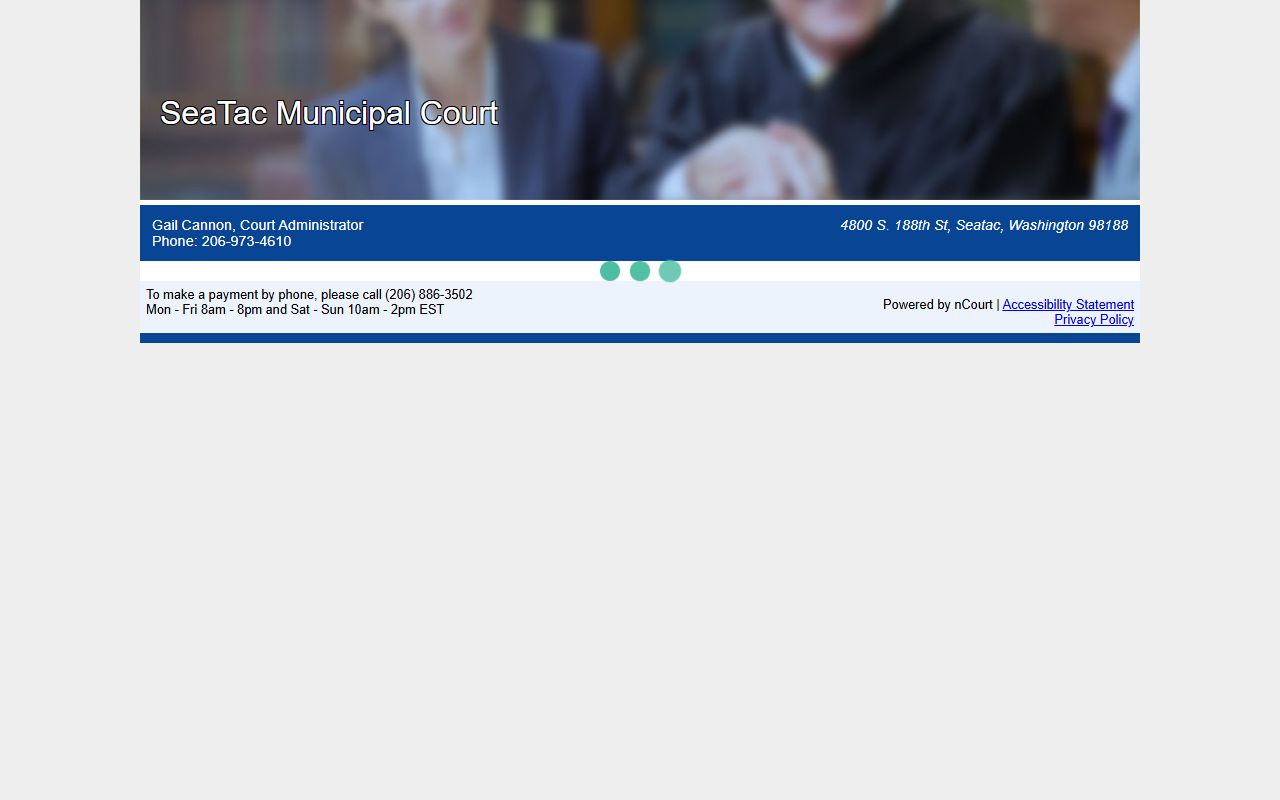
That local image is useful because it reflects the online tool people use to search by citation, case number, or name.
SeaTac Traffic Ticket Records Next Steps
If you need SeaTac Traffic Ticket Records, the best path is to start with the SeaTac Municipal Court pages, then move to the nCourt portal if you need payment or lookup help, and finally use the clerk office if you need a written records request. The city pages identify the kinds of cases the court handles. The portal handles the payment and search workflow. The clerk office handles written requests when the online record is not enough. Each step stays inside the official SeaTac court system.
That sequence is especially useful if you are trying to avoid delays or collection problems. SeaTac Traffic Ticket Records can be searched by citation number, case number, or name, but the court still wants you to contact it directly if the case is already in collections. If you keep the official city pages, the portal, and the clerk office in the right order, you can usually find the right file without needing any outside lookup service.